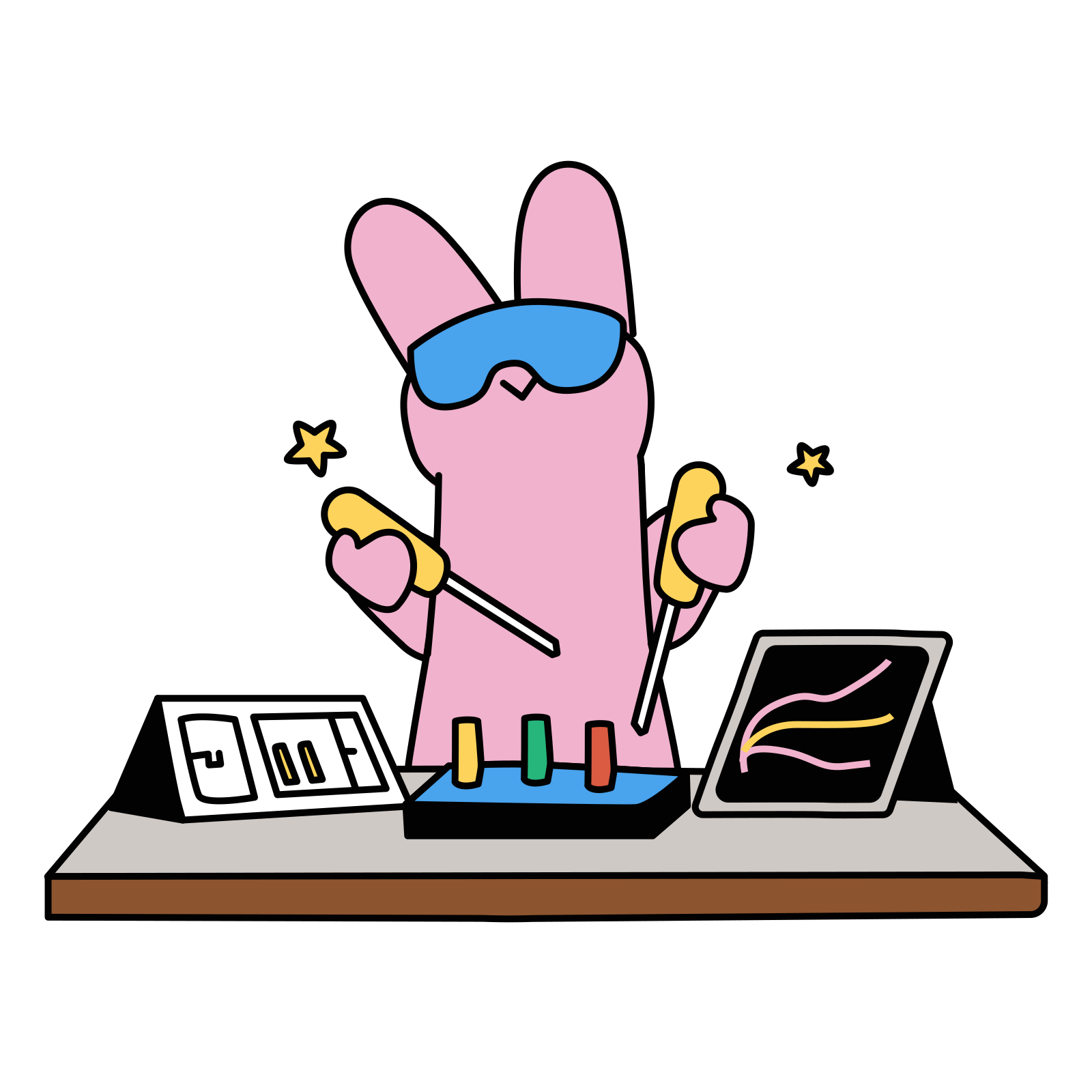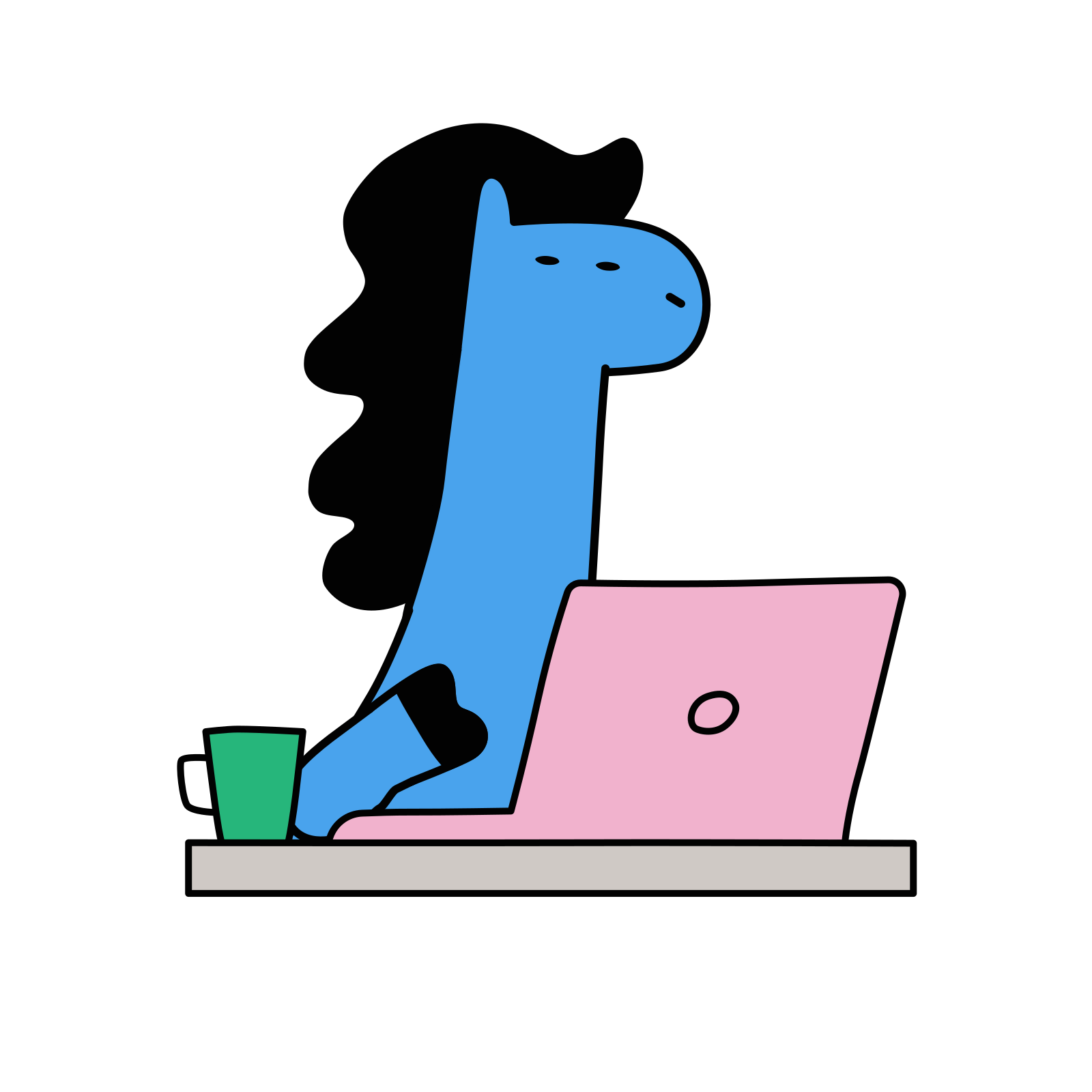
From the beginning I wanted Fiuto to feel light, warm, and a bit fun. It is a working tool, and a working tool can be quite boring. I usually find them quite boring. So I settled on a set of illustrations and started adding them here and there: the sign out screen, the welcome screens, onboarding. Cats and dogs mostly, because I like them.
This arc is about what happens to a feature after it is implemented. The previous article was a full refinement pass over an implemented journey. This one is the layer under that: small visual touches on surfaces that already work.
The bet
I am hoping there is not too much of it, because it might put off certain customers. Based on the audience I have, I think it might work quite well.
That is what the decision rests on: my read of my own audience. PostHog and other apps take a similar approach, a bit lighter than the default for what is a software as a service tool. I want Fiuto to be different from traditional tools that are quite serious.
It is a risk.
Introducing the characters before the app does
At the time of the recording the landing page was the surface I was working on, and the plan was to introduce the characters straight from there.
Someone who meets them for the first time inside the product stops and asks why there is a rabbit and a dog on the screen. On a landing page, illustration is normal and nobody has to account for it. If users come through the landing page first, where the characters are introduced in context, they should already be familiar with the style by the time they get into the app.
Placing the animation with the agent
Adding one of these animations to a screen is two moves. First, I drop the Lottie file into the repo. Then I ask /lean to place it. /lean is a skill in my setup, a saved set of instructions I can point the coding agent at, and it is the speed lane for small changes.
From there I just talk to it. Move it around. Increase the size. Position it where I want it. I keep going until I am happy with it. The animation arrives with its Lottie box visible on the screen, so there is something concrete to point at when I ask for the next move.
Normally you would do this in a Lottie editor. I cannot be bothered, so I do everything directly inline with the agent.
This is adding little touches here and there. I usually do it while I am working on other things, which I find quite relaxing, and I think it adds a bit of fun to the experience.
Where the set comes from
The illustrations are from Creattie. I do not know whether it is a group of creators or a single creator, but they have different styles. I prefer the Lumo animations, I think they are quite good, and there are several others I could use. Good value, I think. If you like the animations, that is what I would recommend.
Doing this in your own repo
- Decide the register before you pick assets, and decide it against your audience rather than against what products in your category usually look like. Write that reasoning down somewhere you will read it again.
- Pick one marketplace and a style you like. There will be several that work, so this part is taste.
- Introduce the characters on the first surface a user sees, where illustration is expected. Otherwise the first one inside the product is a surprise.
- Put the animation file in the repo and reference it from the screen. Do not open an editor yet.
- Ask your coding agent to place it. Move it around, increase the size, reposition it, one instruction at a time, until you are happy with it.
- Do this work while you are working on something else.
The last article in this arc covers the agentic QA workflow.